Models
Trained on weapons in plain view.
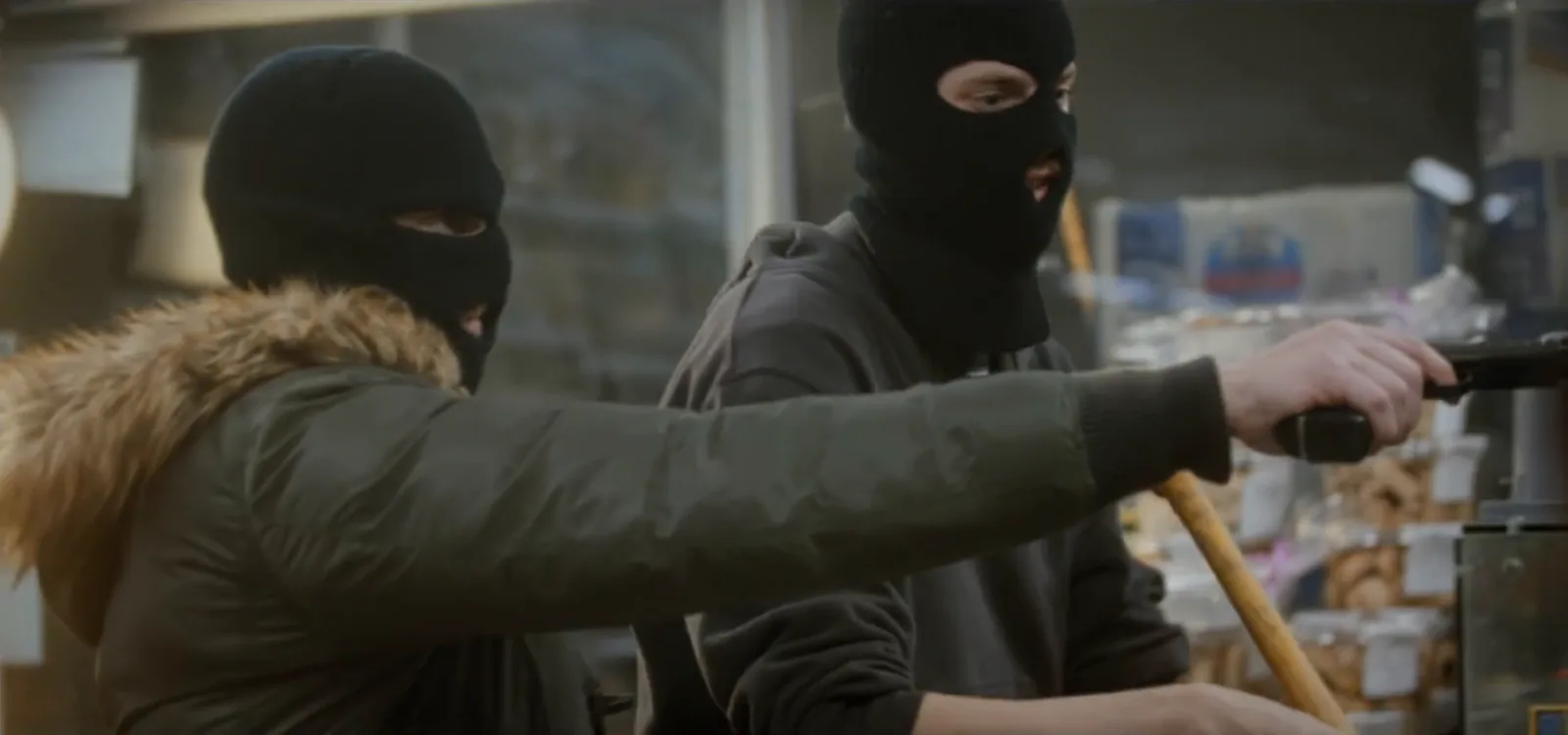
A drawn firearm at a counter, in a foyer or on a forecourt. The object classes enabled for your site are confirmed during scoping.
Security · Weapon Detection
Optara Systems checks your existing cameras for weapons in plain view, such as a drawn firearm, and puts the alert, a marked-up still and the clip in the console in under 2 seconds, for a person to verify.
The first 90 seconds
What happens between the camera seeing a weapon and your team acting on it.
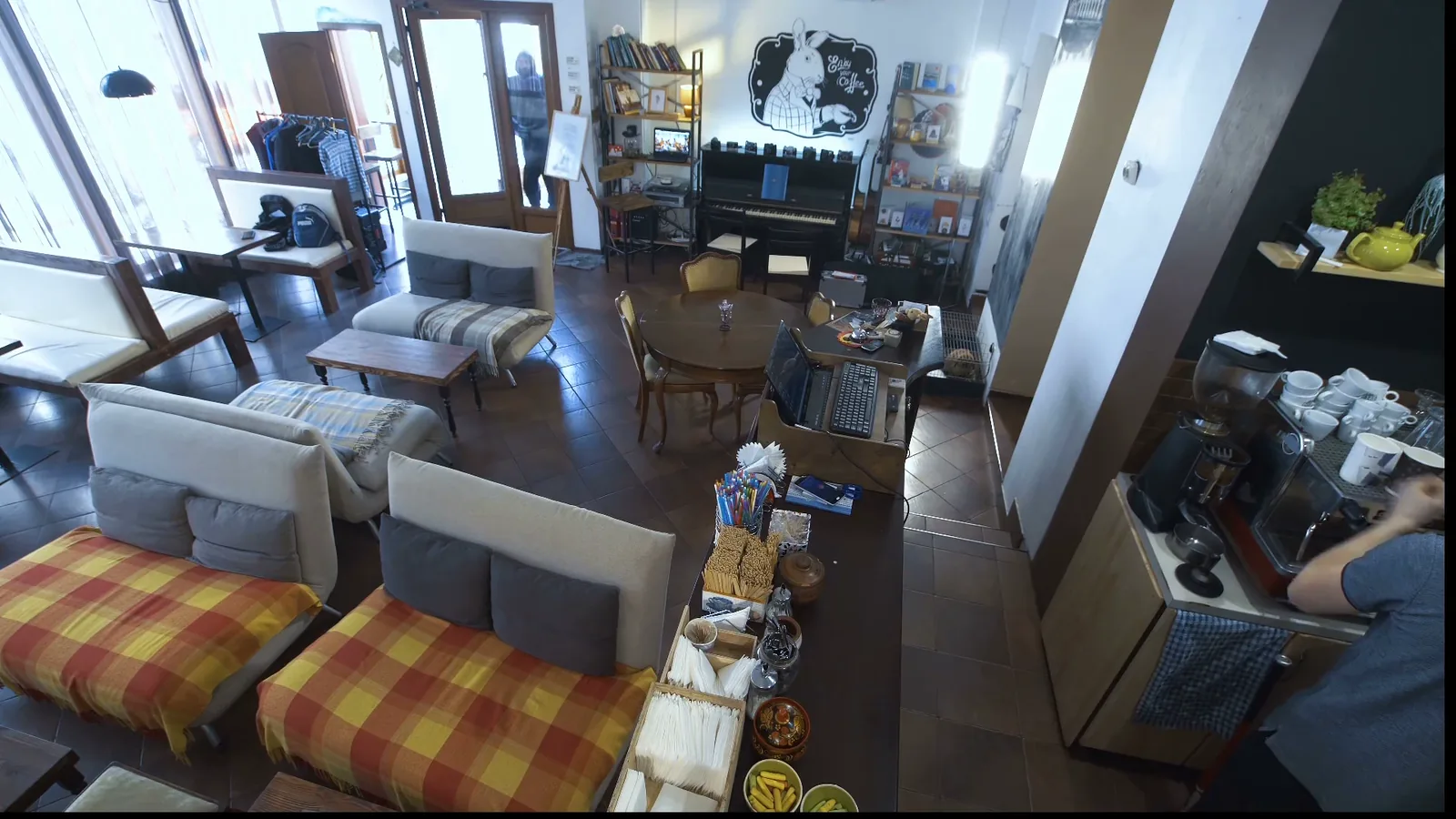
The Optara Systems edge device at your site flags a likely weapon on the counter camera. Nobody has to be watching the screen.
Camera, time, a still with the detection drawn on and the clip either side reach the reviewer you nominate: the duty manager, the front office or a security lead.
The reviewer verifies the alert in seconds. A confirmed weapon hands over to your own procedures: a call to 000, a lockdown, whatever your plan says.
Alert, still and clip are kept for debriefs, incident reports and police. AI Search traces movement across your other cameras.
Visible-weapon models run on the edge device at your site, and every alert is built for a person to check in seconds.
Models
A drawn firearm at a counter, in a foyer or on a forecourt. The object classes enabled for your site are confirmed during scoping.
Verification
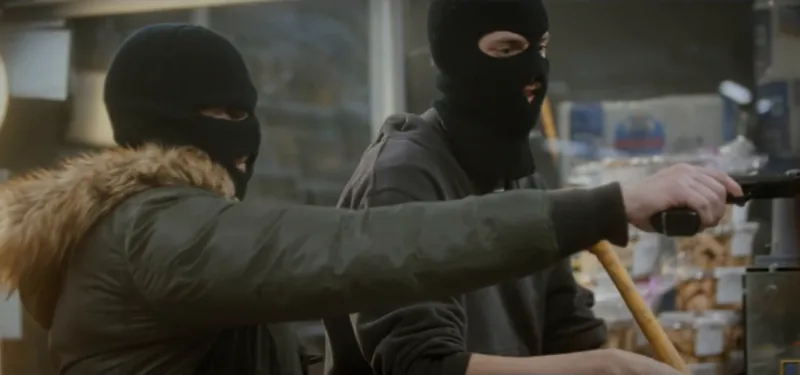
Still, clip and camera arrive together, so a reviewer can verify the alert and take action in seconds.
ConfirmStand down
Plain view only
A weapon in a bag, a pocket or a waistband is invisible to a camera. Weapon detection is one layer alongside screening, trained staff and police, not a replacement for them.
Coverage
Choose cameras, groups or zones within a view, run detection around the clock or during set hours, and set sensitivity per camera.
Analysis happens on-site, on the Optara Systems edge device — your camera streams aren’t sent off-site to be analysed.
We’ll walk you through visible-weapon alerts, human verification and per-camera coverage on your own entrance and counter cameras.