Skip to content
Book a demo

Industry · Restaurants & Fast Food

Faster service. Safer food. Calmer rushes.

Optara Systems adds AI to your restaurant’s existing cameras: queues timed, busy periods by the half-hour, kitchen hygiene checked and the cash office covered after close.

Book a demo
  • Works with existing ONVIF-compatible IP cameras

  • No camera replacement

  • Analysed on-site, in the restaurant

  • Alerts in under 2 seconds

What Optara Systems can watch for

Counter, drive-thru, kitchen and cash office. One console.

Pick from fifteen solutions, plus checks configured for your kitchen, on the cameras you choose. Alerts and clips reach the Optara Systems console in under 2 seconds.

01 — Counter & drive-thru

Lines cleared before customers leave

Zones you draw on the counter and lane cameras, with targets per hour.

  • Queue Detection — counts people at the counter and cars in the lane; alerts when either passes your target.
  • Peak Period Detection — visitors and waits by the half-hour, so the roster follows the real rush.
  • Human & Vehicle Counter — walk-ins and drive-thru cars by the hour, for rostering and trading reviews.
  • Heatmap Insights — where customers bunch at the counter and pick-up, so you can move the queue line.
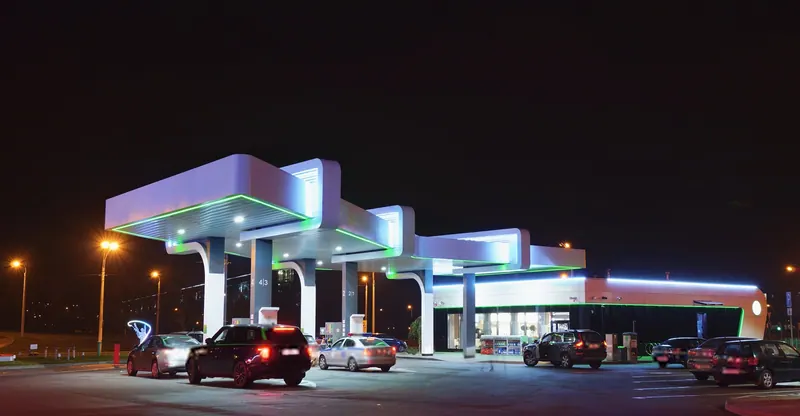
  • Configurable Lane blocked — can be configured to flag a car stopped in the lane or exit past your limit.
02 — Kitchen

Hygiene and safety on the shift

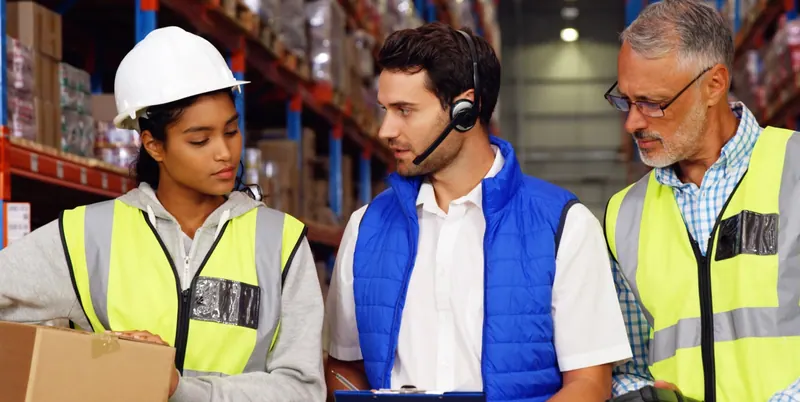
  • PPE Detection — a missing hairnet or gloves in your prep zones, with a still for the supervisor.
  • Safety Alerts — a fall behind the fryers or in the cool room, flagged within seconds.
  • Productivity Analysis — which stations sit idle and where the line stalls during a rush.
  • Vape & Smoke Detection — vaping or smoke in the kitchen, storeroom or bin area, with a clip.
  • Configurable Fire & smoke — can be configured to flag visible smoke or flame at the fryers, alongside your fire systems.
  • Configurable Slip hazards — can be configured to flag a spill or wet floor left in a kitchen walkway.

03 — Cash office & after close

Covered when the doors are locked

  • Perimeter Protection — arm the cash office, back door and drive-thru window after close.
  • Weapon Detection — early warning for a visible weapon at the counter or window, with the clip to verify.
  • Theft Detection — possible concealment at the grab-and-go shelves, flagged with the clip to check first.
  • Facial Recognition — opt-in. A short watch-list of people banned for abusing staff; a person confirms every match.
  • Tailgate Detection — one swipe, one person at the staff door and back-of-house entry.
  • Configurable Door propped open — can be configured to flag the delivery door held open past your limit.

04 — Evidence & insights

Answers in minutes, not a shift of footage

Search by what you saw, not by camera and hour, and keep the clip with the incident.

  • AI Search — “register 2 between 9 and 10 pm”: ranked clips instead of hours of scrubbing.
  • License Plate Recognition — vehicles at the drive-thru and dock logged with plate, time and clip.
  • Configurable Loitering — can be configured to flag a group lingering in the car park after close.
  • Configurable Crowding — can be configured to flag crowding at pick-up or the outdoor seating.

One shift, four moments.

From morning prep to the closing count, on the cameras already on the walls.

  1. 06:40 · Prep bench

    No hairnet at the bench.

    A still from the prep camera reaches the Optara Systems console. The supervisor fixes it before service; the alert is logged for the hygiene review.

  2. 12:15 · Drive-thru

    Both lines past target.

    Seven cars in the lane, the counter over its wait. One person moves to the window; the insights later show Friday’s peak starting earlier than the roster.

  3. 15:10 · Behind the fryers

    A slip during clean-down.

    A team member falls and doesn’t get up straight away. The alert and clip arrive in under 2 seconds, and the clip is kept for the incident report.

  4. 22:45 · Register 2

    The count comes up short.

    The manager searches the register camera across the evening and reviews a few ranked clips, not four hours of footage. The cash office stays armed overnight.

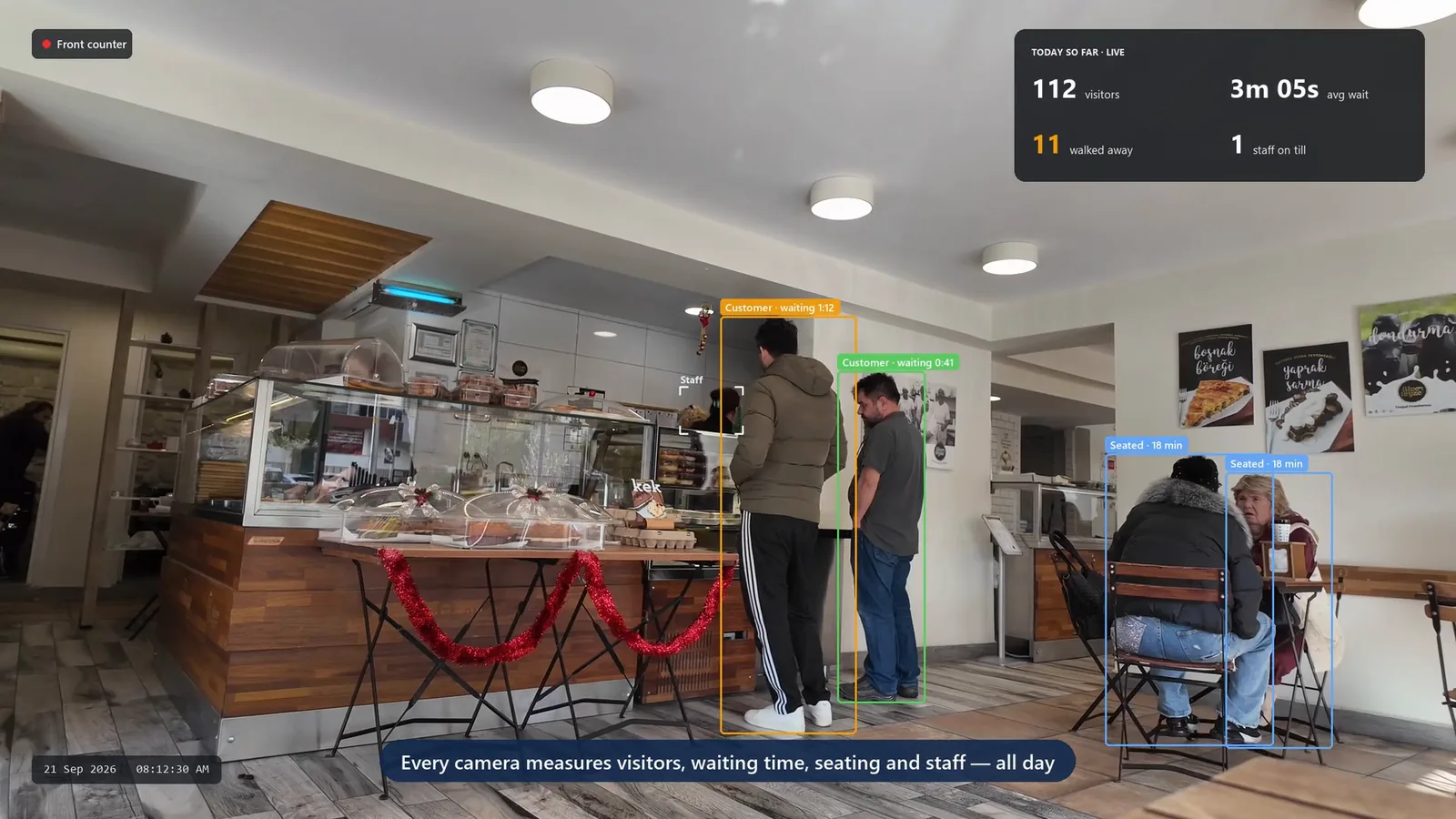
A café counter, measured by the half-hour.

A café’s existing counter camera measures visitors, waiting and seating, and the insights view sets that demand against staff on the counter.

  1. Measure the floor

    Visitors, waiting time, seating and staff, counted from the existing camera.

  2. Compare demand with staffing

    Customers and staff on the counter, side by side for every half-hour.

  3. Plan the roster

    Use the pattern to decide where the rush needs another person.

Demo: a café counter camera with visitor, queue, seating and staff detections, followed by the Optara Systems insights view comparing customers with staff
Café counter, weekday. Visitors, waiting time and staff, measured from the existing camera. Demo footage

See Optara Systems on your restaurant’s existing cameras.

We’ll show queue alerts, busy-period insights and hygiene checks on footage like yours, then map the cameras already in your restaurant.

  • ONVIF / RTSP cameras
  • Analysed on-site
  • No camera replacement