Cameras
Entrances, not every camera
Matching runs only where it’s justified, typically the visitor entrance, and nowhere else.
- Main Entrance
- Reception
- Gate 1
- 38 cameras off
Security · Facial Recognition
An opt-in module that checks faces at the entrances you choose against a short watch-list you control, analysed on-site on your existing cameras.
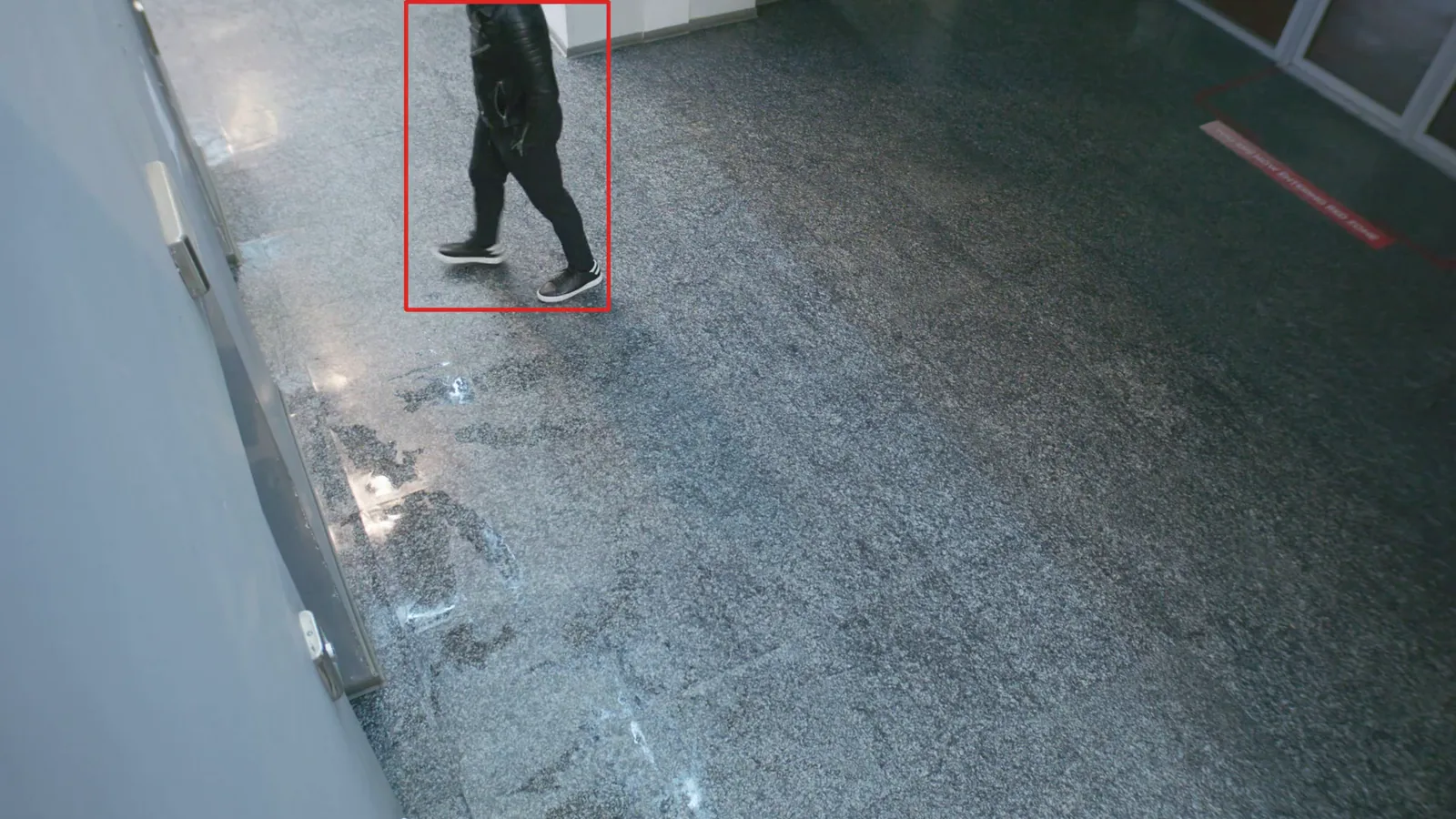
Where it runs, when, how close a match must be, and how fast you hear.
Cameras
Matching runs only where it’s justified, typically the visitor entrance, and nowhere else.
Schedule
Limit matching to reception or trading hours and it stays off the rest of the time.
Threshold
Set the similarity an alert needs, balancing missed matches against false alerts for your lighting and camera angles.
Speed
<2 s
From the match to the alert in the Optara Systems console, snapshot attached.
Visitor entrance only: an adult barred from the site, with the community consulted.
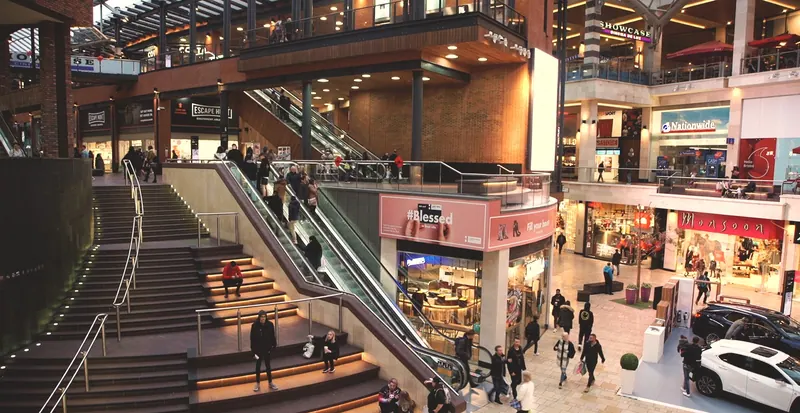
A person banned for theft or abuse of staff, flagged on entry.

A person under a trespass or no-contact order at the main entrance.
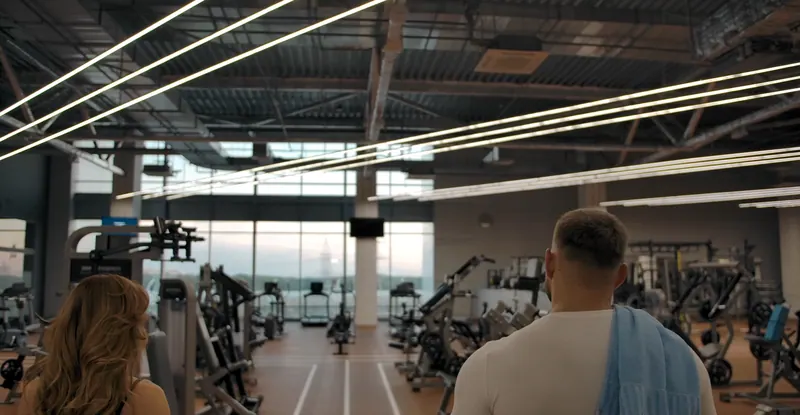
A member cancelled for misconduct, tailgating through the turnstile.
Counter staff told that a banned person has come back.
It’s up to each site to let people know facial recognition is in use, and why.
It might be there to spot a person banned from the premises, a known shoplifter coming back, or someone with an intervention order approaching the school gate. Signs at the entrances where it runs say so plainly, before anyone walks in.
The handful of people your site has a real reason to look out for. Your administrators add each one with the reason and an end date, and nobody else is on it.
When one of them walks in, the alert reaches the Optara Systems console in under 2 seconds, with the snapshot beside the enrolled image, so staff can check it before anyone acts.
We’ll walk you through watch-lists, scheduled matching and side-by-side verification on your own entrance cameras.