Timing
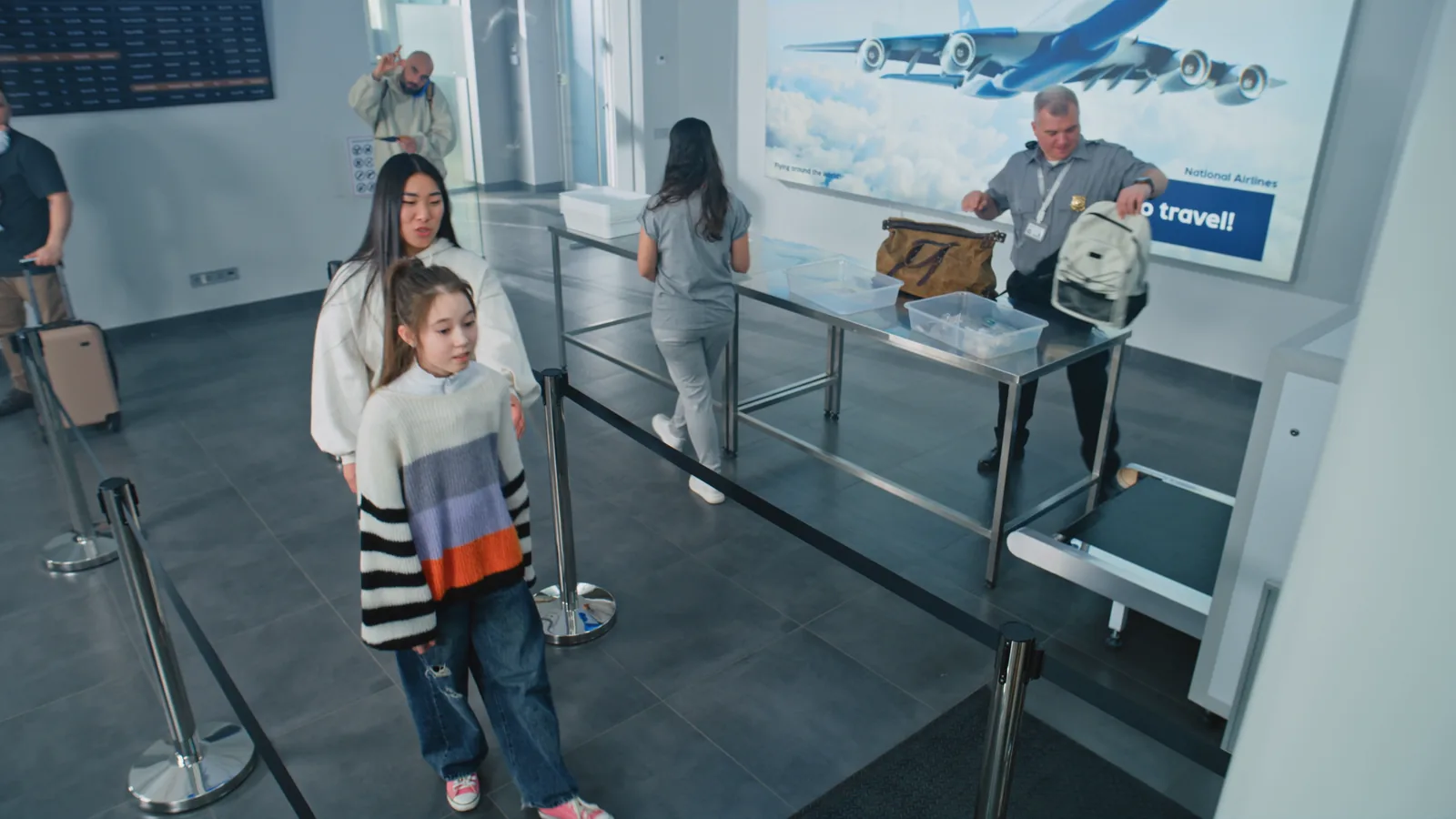
A timer on every person in the line
A timer on each person in the zone and an estimated wait for the next in line.
Operations & Insights · Queue Detection
Optara Systems counts who is waiting and estimates the wait on your existing cameras, and flags a queue over target in under 2 seconds.
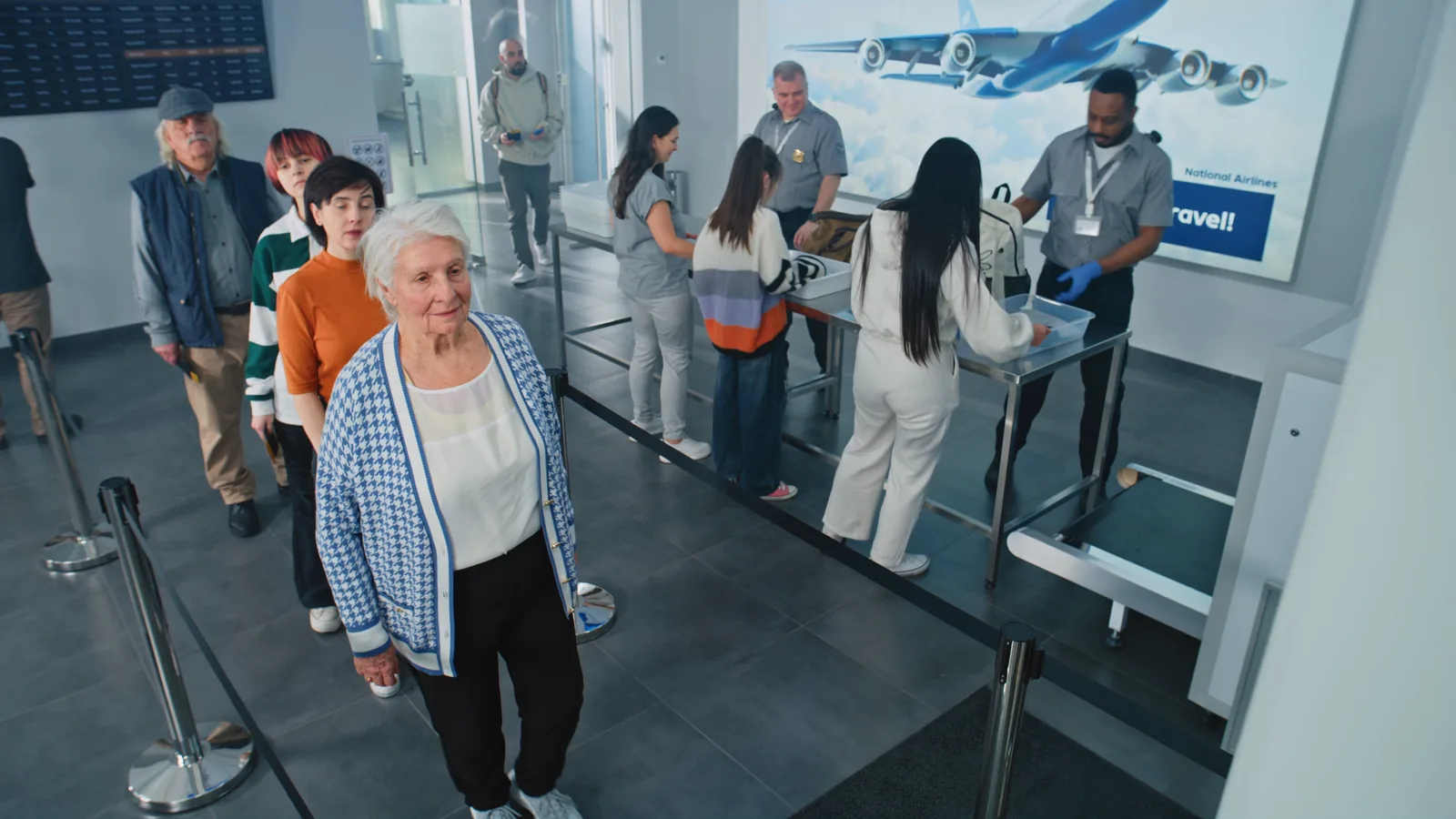
Two queues, two rules
One zone covers the checkout counters and the rule watches people waiting per open lane, so a busy Saturday isn’t flagged.
Queue ruleCheckout counters · 1 zoneOn
A zone along the lane counts the vehicles in it and times each wait, with a tighter target at the breakfast and lunch peaks.
Queue ruleDrive-through · laneOn
How it works
Draw the queue once in the console; the edge device at your site does the rest.
Mark
Click around the checkout bank, counter or lane on the camera that sees it.
Count
The edge device counts who is waiting, times each person and estimates the wait from today’s service speed.
Alert
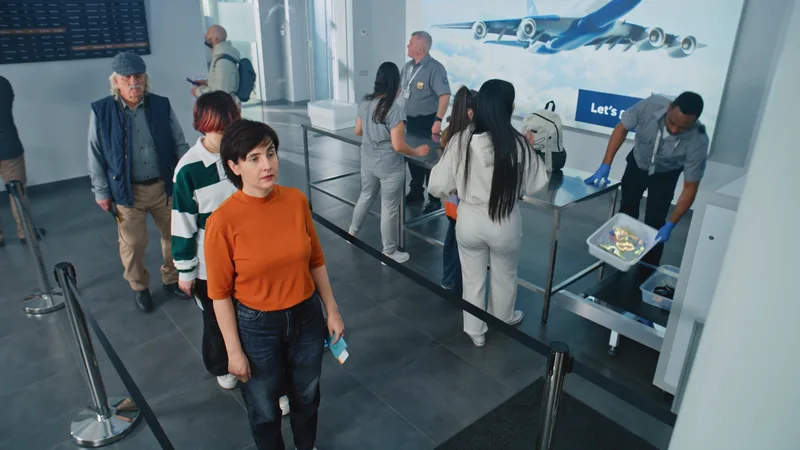
The alert shows the queue, count, estimated wait and a snapshot, plus any note you set.
Timing
A timer on each person in the zone and an estimated wait for the next in line.
Alerts
Queue, count, estimated wait, snapshot and your note for the rule.
AcknowledgeOpen camera
Schedules
Different targets for the rush and the quiet afternoon; nothing fires while you’re closed.
History
Queue length, longest wait and time over target by weekday and hour, so the recurring rush shows up at roster time.
Privacy
People are tracked only while in the zone; nobody is identified. Analysis happens on-site, on the Optara Systems edge device — your camera streams aren’t sent off-site to be analysed.
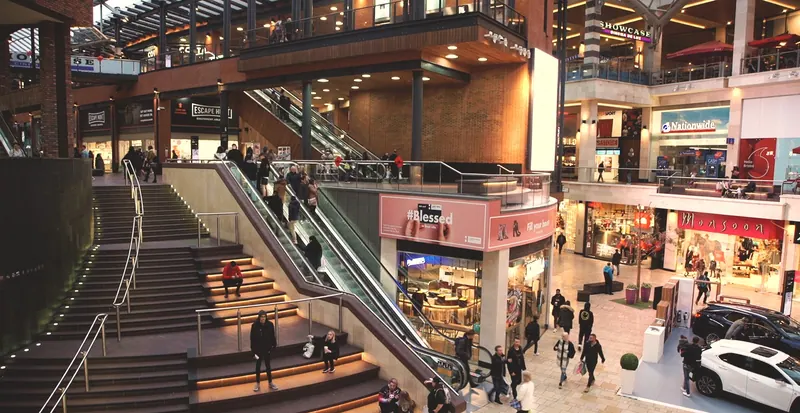
Checkout counters, with rules on people waiting per open lane.
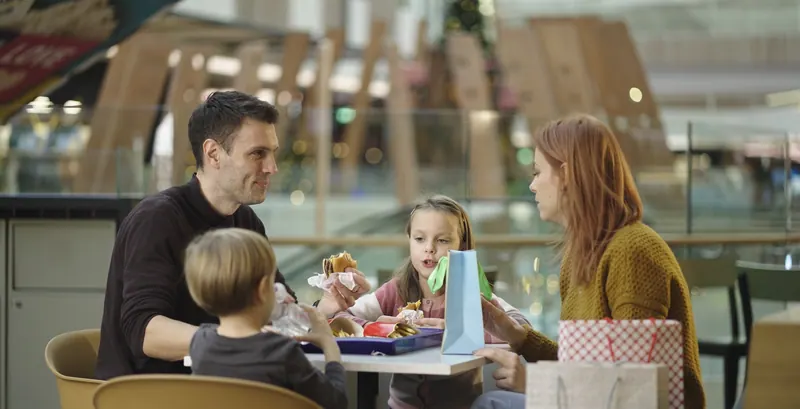
Counter, pick-up and drive-through queues through the lunch rush.

Reception, pharmacy and check-in queues, flagged before the waiting area fills.
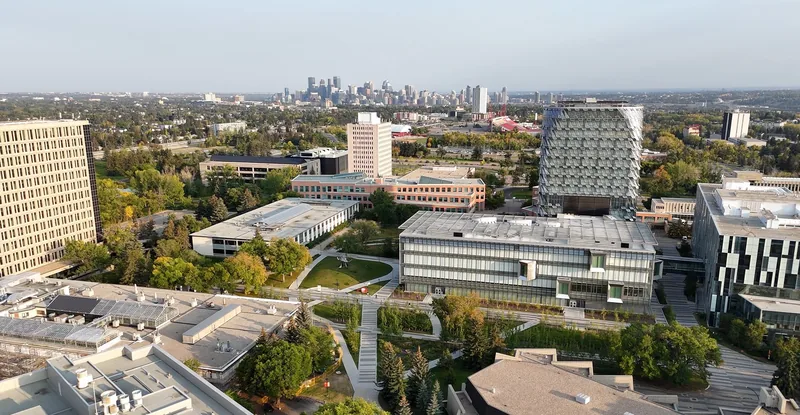
Canteen queues at recess and lunch; student services at term start.
We’ll draw a queue zone on your own counter camera and show you the rule, the alert and the history.