Lines
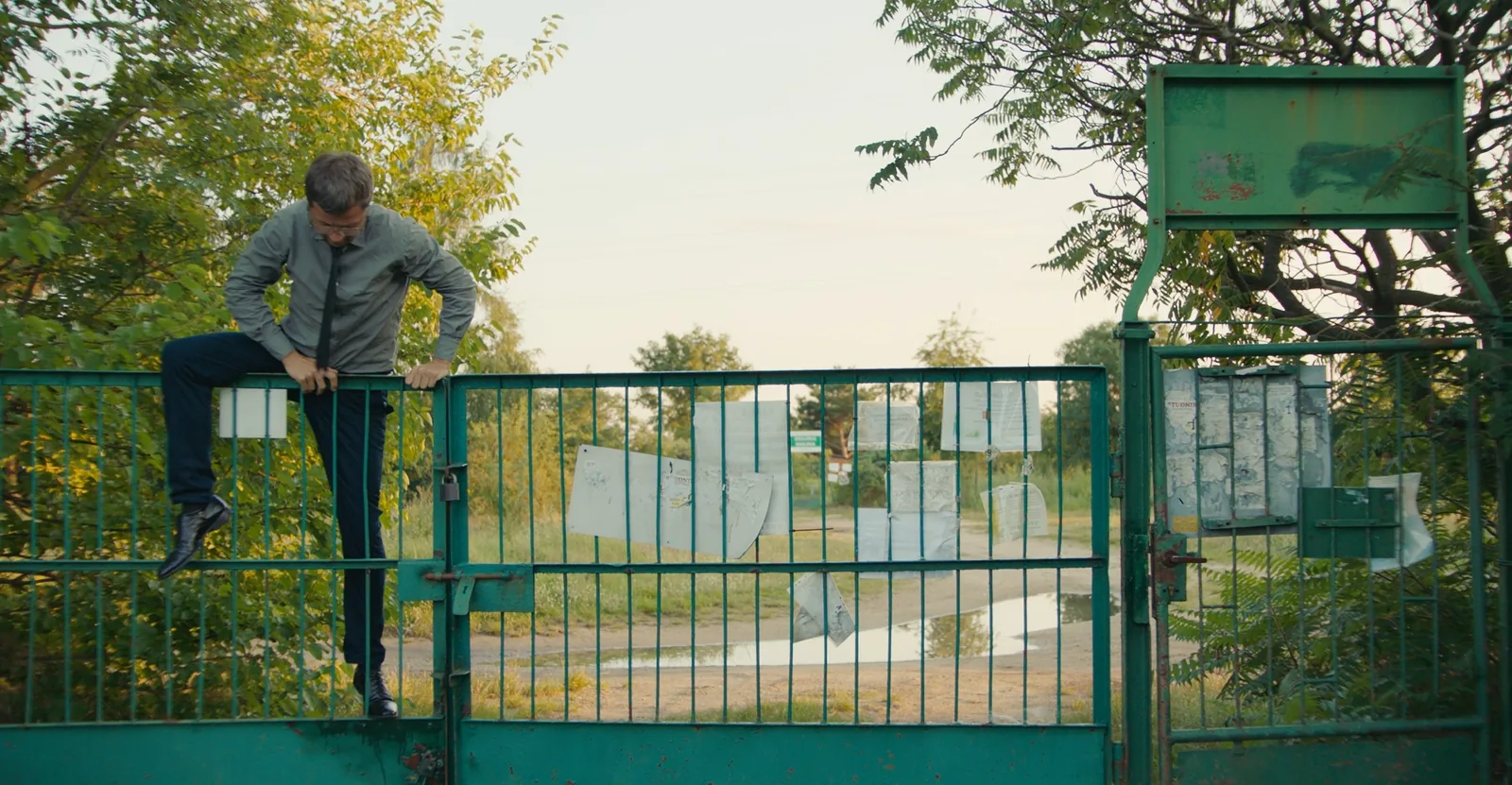
Lines know which side is outside.
A climb-in from the street is logged outside → inside and raises the alert. Staff leaving through the same gate stay quiet.
Security · Perimeter Protection
Draw virtual lines on the cameras already watching your fences and gates, arm them on a schedule, and get a person-verified alert in the Optara Systems console in under 2 seconds.
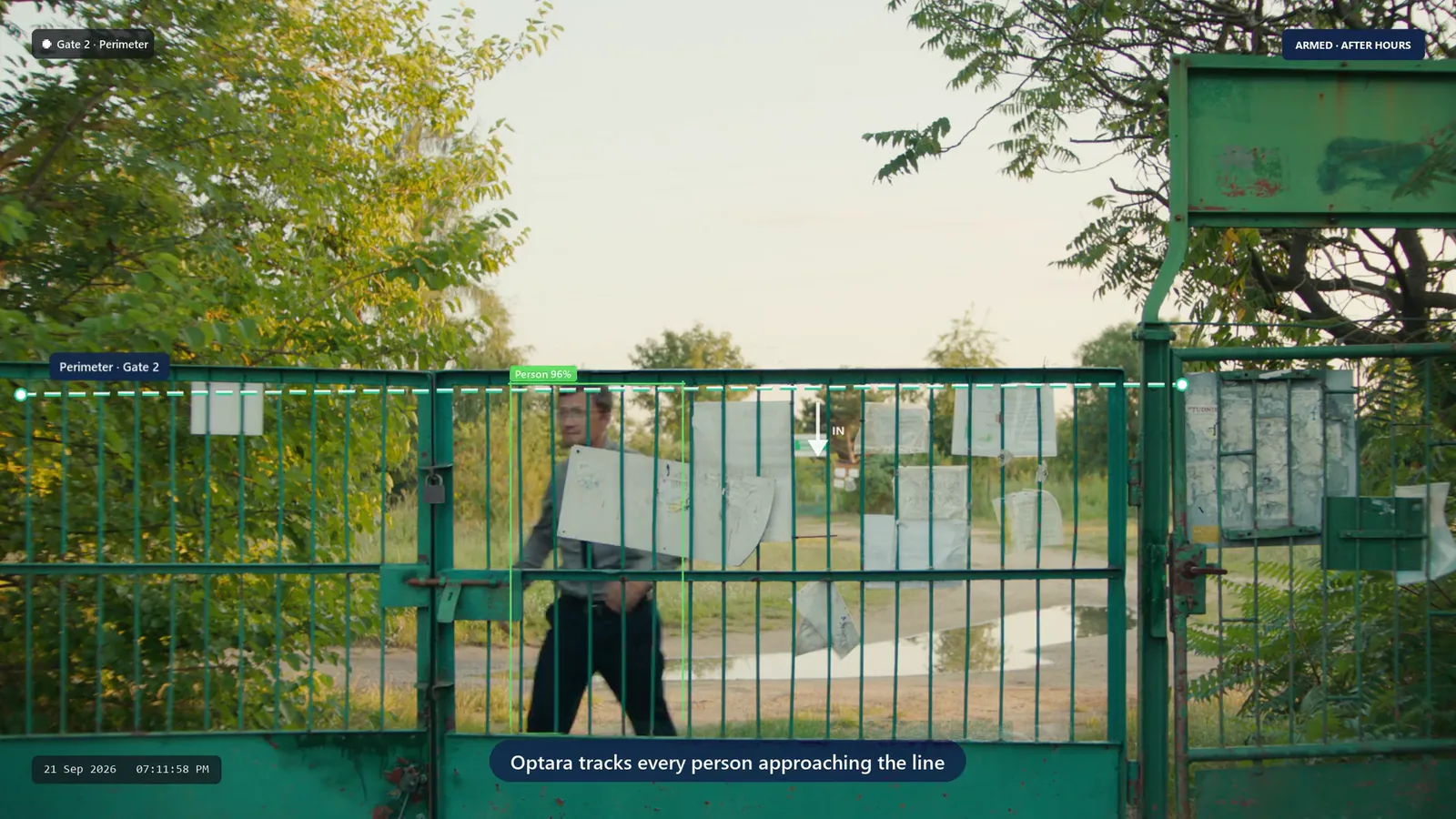
One night, armed
What Guard Mode makes of ordinary after-hours footage.
‘After-hours lockdown’ arms Gate 2, the yard and the dock. Nobody has to remember to switch it on.
Someone walks past outside the fence. Perimeter activity, low priority: in the log, no alarm.
Outside → inside across the line is an intrusion. The alert and its clip are in the console in under 2 seconds.
The rule disarms itself. The night’s events sit on the Alerts page, grouped by camera, so a repeat visitor stands out.
Set-up
Three settings, then the Optara Systems edge device at your site does the watching.
Draw
Draw a line over a gate or fence, or outline a yard, dock or rooftop, on any existing camera.
Arm
Give each Guard Mode rule an armed window, such as 18:30 to 05:00, and the cameras or groups it covers.
Alert
The edge device follows each person and checks which way they cross. Birds, animals and headlights can be ignored.
Lines, zones and schedules per camera, with alerts tied to a person rather than raw motion.
Lines
A climb-in from the street is logged outside → inside and raises the alert. Staff leaving through the same gate stay quiet.
Guard Mode
Each rule has its own window, camera scope and on/off switch.
Priority
Each camera has a role, so a footpath walker is a note for the morning and a person inside the yard is an alarm now.
Zones
Any person inside an outlined area during the armed window is an alert.
Still curious? Email contact@optarasystems.com.
Alerts are tied to a detected person rather than raw motion, and birds, animals and vehicles can be ignored, which is far quieter than a pixel-based motion alarm. Every alert comes with a clip.
Yes. Create several Guard Mode rules, each with its own armed window and camera scope, for example the yard from 6:30 pm and the office floor from 10 pm.
No, it works with it. Optara Systems integrates with alarm systems and can trigger yours once an alert has been verified, so the siren isn’t going off all night for nothing.
No. Optara Systems works with the IP cameras you already have — any camera or NVR that supports ONVIF or RTSP connects straight to the Optara Systems edge device. We confirm compatibility before anything is installed.
We’ll walk you through virtual lines, Guard Mode schedules and person-verified alerts on your own cameras.